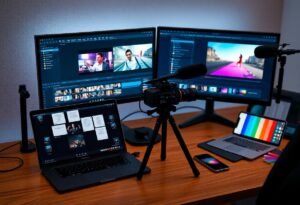
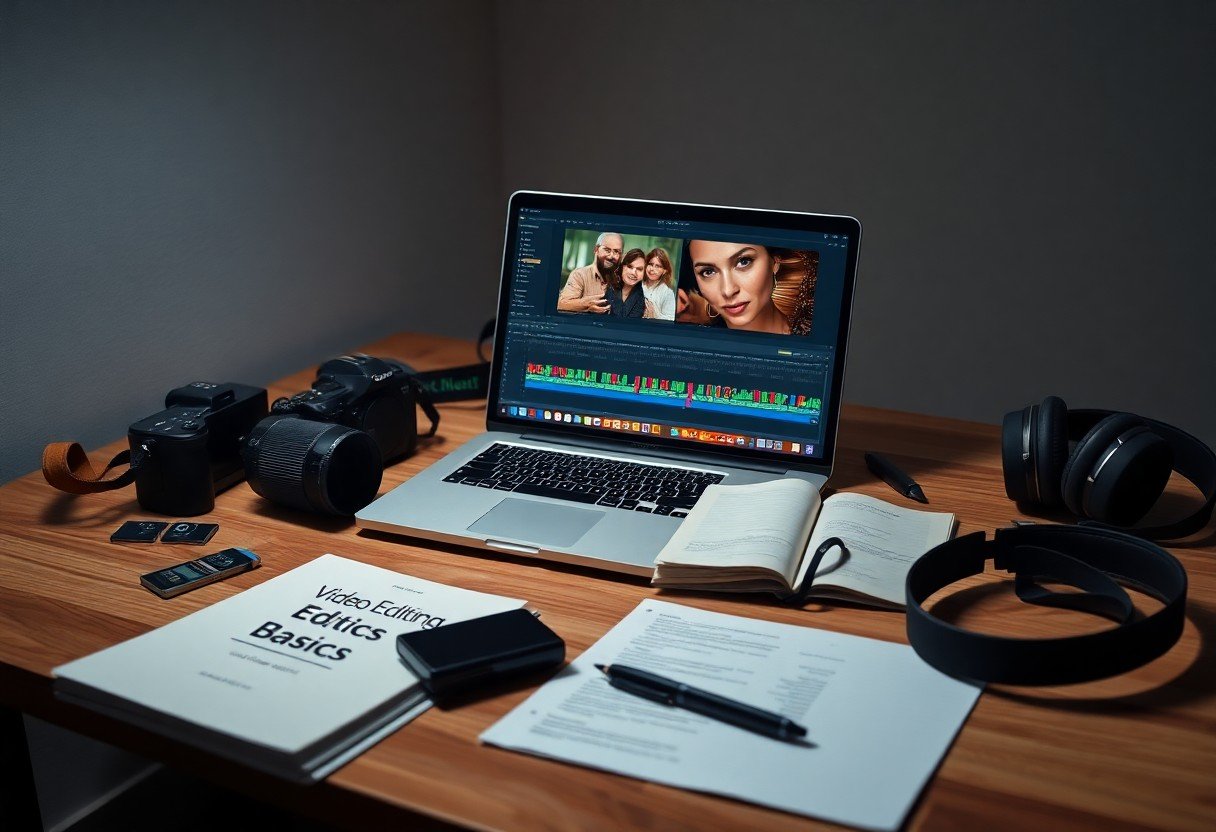
Editing begins with a single cut, but building proficiency requires the right tools and guidance. You have access to a growing library of free tutorials, intuitive software, and active communities designed specifically for newcomers. Whether you’re assembling clips from your smartphone or shaping footage for a personal brand, the resources you use now will define your learning curve and creative confidence. Start with what’s accessible, practical, and scalable to your goals.
Key Takeaways:
- Start with free, beginner-friendly software like DaVinci Resolve or HitFilm Express, which offer professional-grade tools without a subscription fee and include built-in tutorials to accelerate the learning curve.
- Focus on mastering core editing techniques-such as cutting on action, maintaining consistent audio levels, and using J- and L-cuts-before exploring advanced effects, as clean, well-paced edits form the foundation of compelling videos.
- Engage with active online communities like the r/VideoEditing subreddit or the Adobe Premiere Pro forums, where beginners can share project files, receive feedback, and find solutions to common technical issues.
The Choice of Blades
Your editing software acts as the blade that shapes raw footage into a coherent story. Selecting one that aligns with your workflow ensures smoother cuts and fewer technical interruptions. A mid-sized SaaS firm offering cloud-based timelines may suit collaborative projects, while standalone applications often provide deeper control over color grading and effects layers.
The Map of Technique
Understanding editing begins with recognizing the patterns behind cuts, transitions, and pacing. You’ll find practical guidance in community-driven discussions, where real editors share workflows and learning paths. One such conversation on Best resources for learning editing? : r/VideoEditing offers firsthand insights from beginners and intermediates alike, highlighting free tools, project files, and common pitfalls to avoid.
The Harvest of Images
Your timeline grows with every clip you import, each frame a potential anchor for emotion or meaning. Organize footage early by labeling takes, marking favorites, and grouping scenes by location or theme. A mid-sized SaaS firm editing product demos might sort clips by feature module, enabling faster assembly. Rely on keyboard shortcuts to flag unusable shots and isolate strong performances, reducing hours in later stages.
The Rhythm of Sound
Sound shapes the pace of your edit, guiding emotion and timing with precision. You sync cuts to beats, pauses, or shifts in tone, letting audio dictate the flow of visuals. A well-timed music swell can emphasize a reveal, while silence before a punchline heightens impact. Editing software like DaVinci Resolve or iMovie includes beat detection tools to align clips with musical rhythms. Even ambient noise, such as footsteps or wind, can establish a pattern that holds the sequence together. One indie travel vlogger used train rhythm-its clatter and hum-to structure a three-minute montage, creating a hypnotic, forward-moving feel. Matching visual transitions to percussive hits or lyrical phrases turns a simple sequence into a cohesive experience. Your audience may not notice the technique, but they’ll feel its effect.
The Gathering of Peers
You gain unexpected clarity when editing alongside others who are learning. Online communities like the r/VideoEditing subreddit or dedicated Discord servers for DaVinci Resolve and Premiere Pro users offer real-time feedback on your cuts, transitions, and pacing. A mid-sized SaaS firm recently reported that their internal video team reduced project revision cycles by half after joining a peer review group. Sharing timelines and breakdowns with others exposes you to alternative workflows you wouldn’t discover alone.
To wrap up
You now have access to beginner-friendly video editing tools like DaVinci Resolve, HitFilm Express, and iMovie, all offering intuitive interfaces and free entry points. Tutorials on platforms such as YouTube and Skillshare guide you through cuts, transitions, and color grading with real project examples. You can practice with sample footage from sites like Mixkit or Coverr, building skills through immediate application. A mid-sized SaaS firm recently reported faster content turnaround after its team adopted structured learning paths using these same resources. Your progress depends not on the tool but on consistent editing, feedback integration, and deliberate experimentation with pacing and composition.